

One product photo.Every image your shop needs.
Lystiva works from your real product, so its shape, color, and details carry into every scene. Only the light and the setting change. Lifestyle shots, studio re-shoots, on-model images, mockups, and listing graphics, each one a draft you review before use.
No studio, no Photoshop. You see the credit cost before anything is generated.
Your photo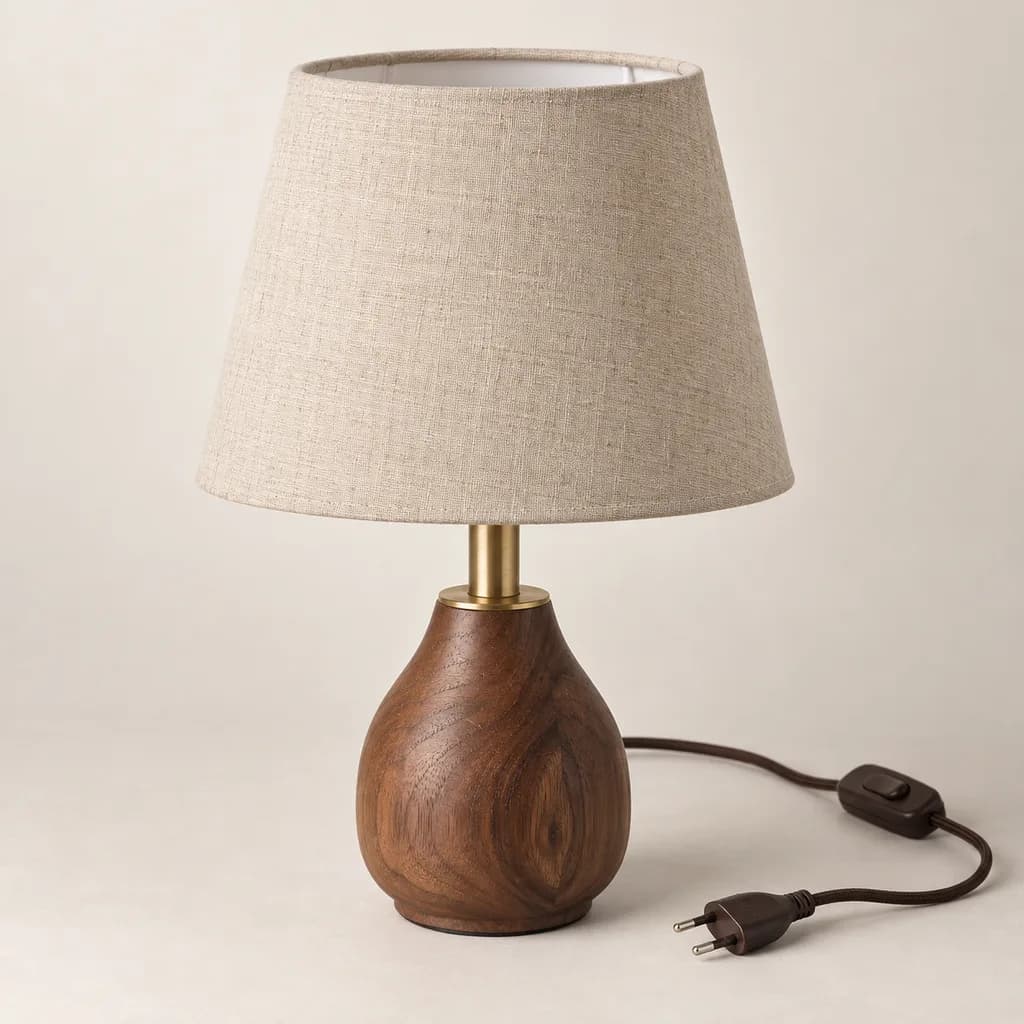
What Lystiva makes from it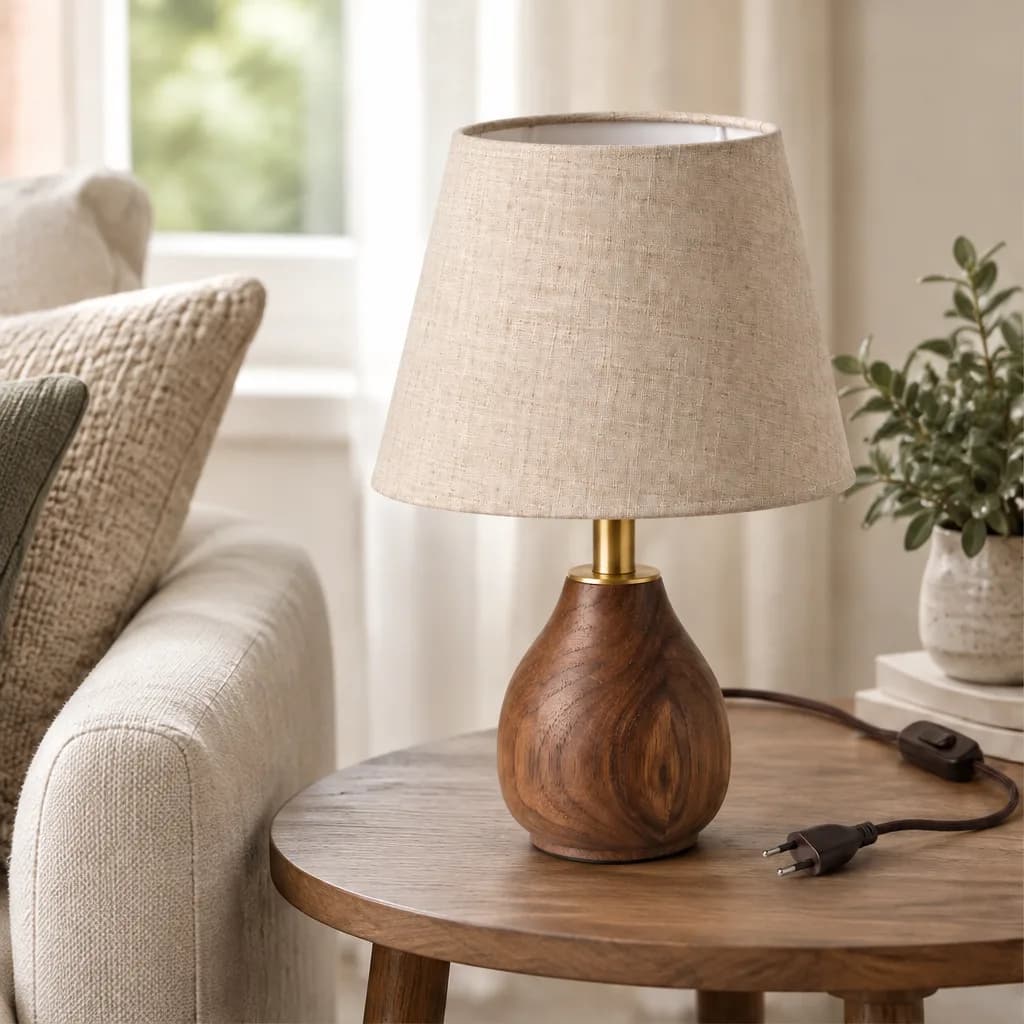
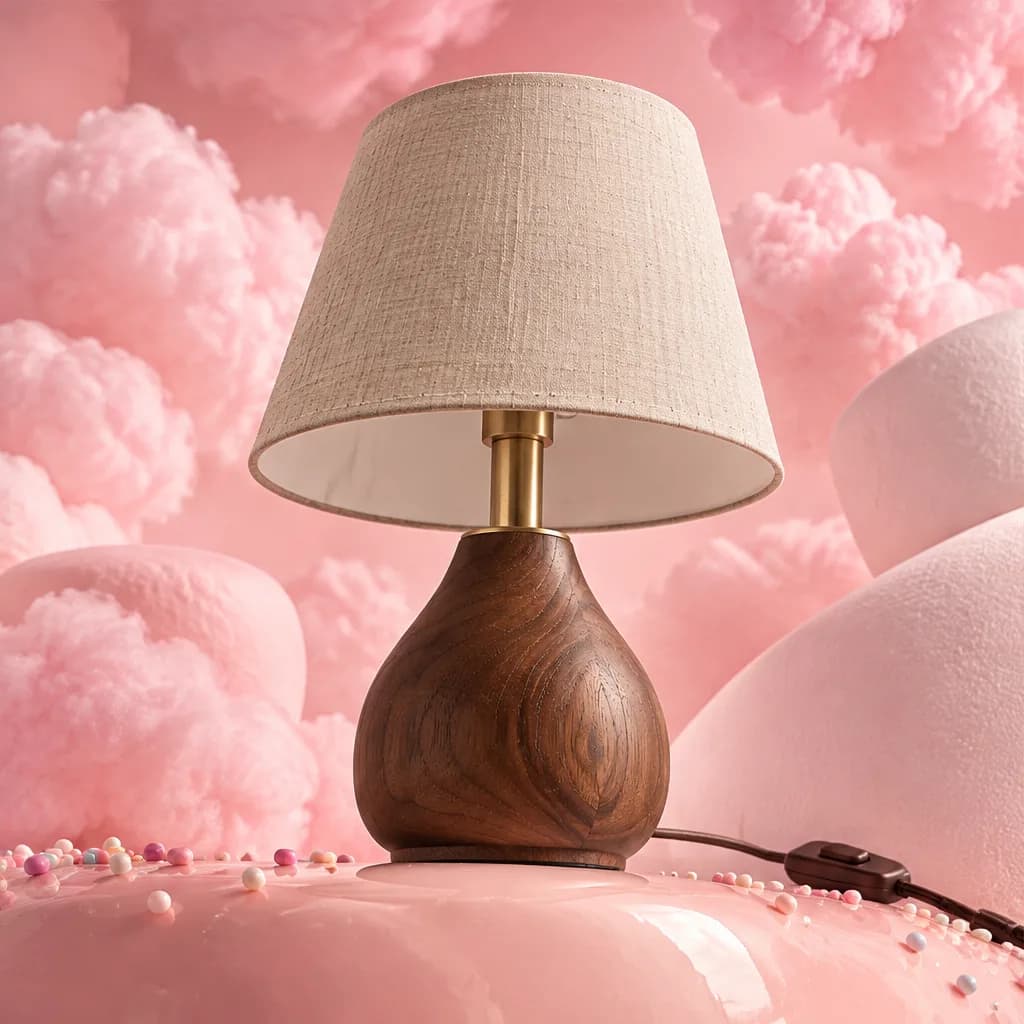
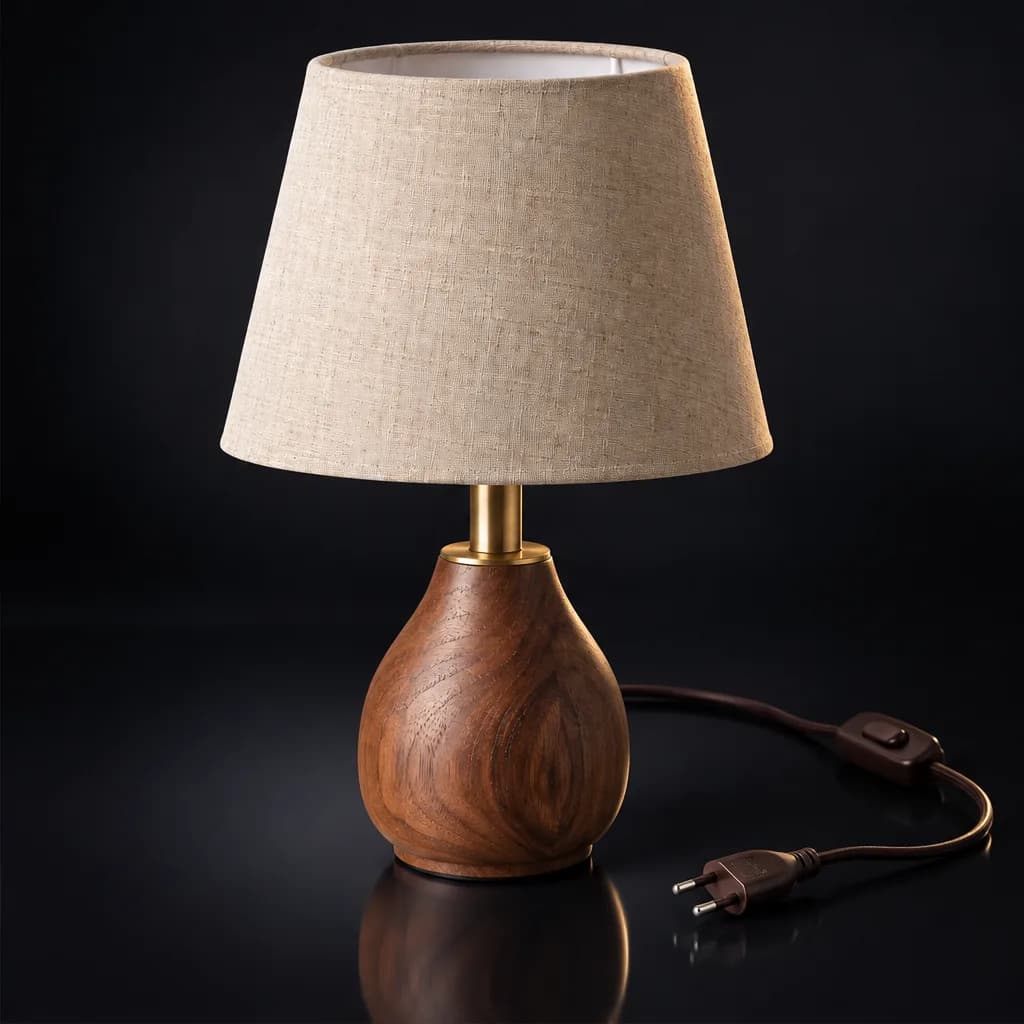

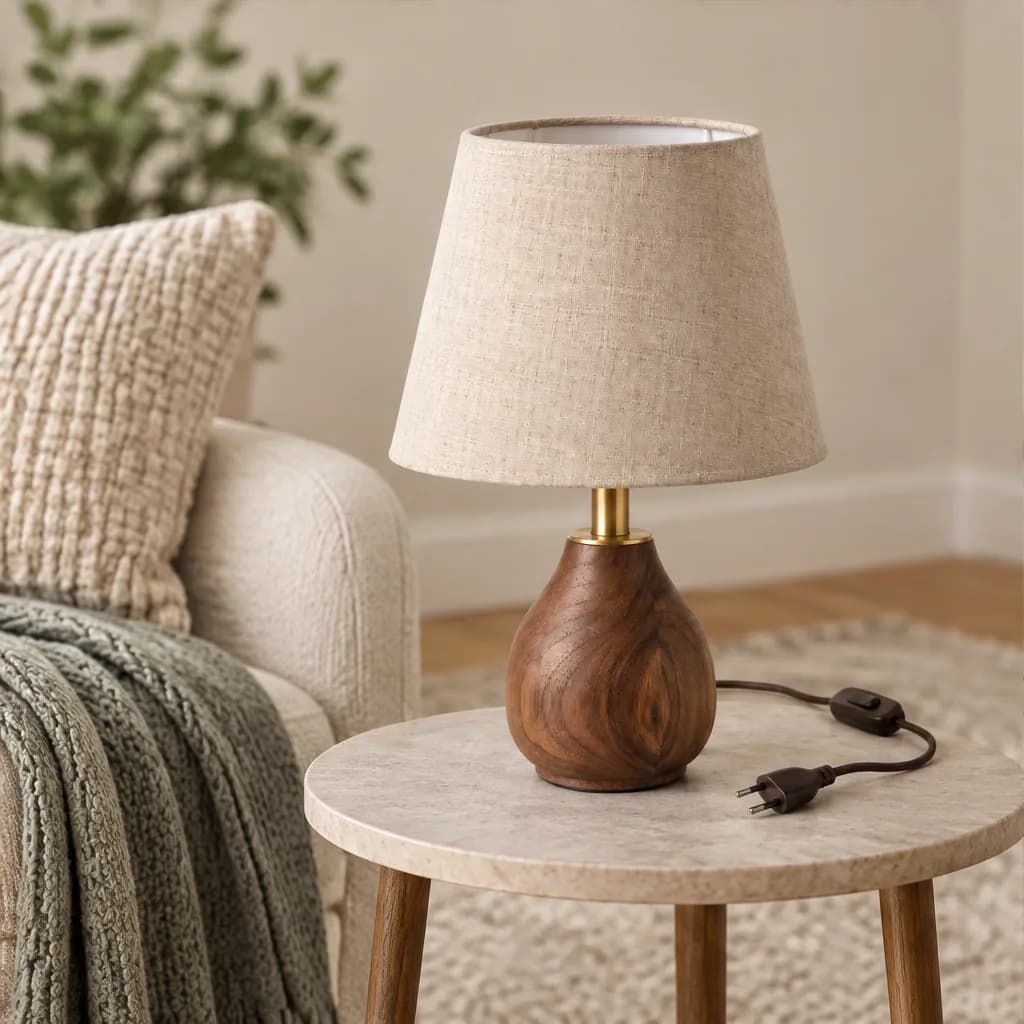
One product, every scene
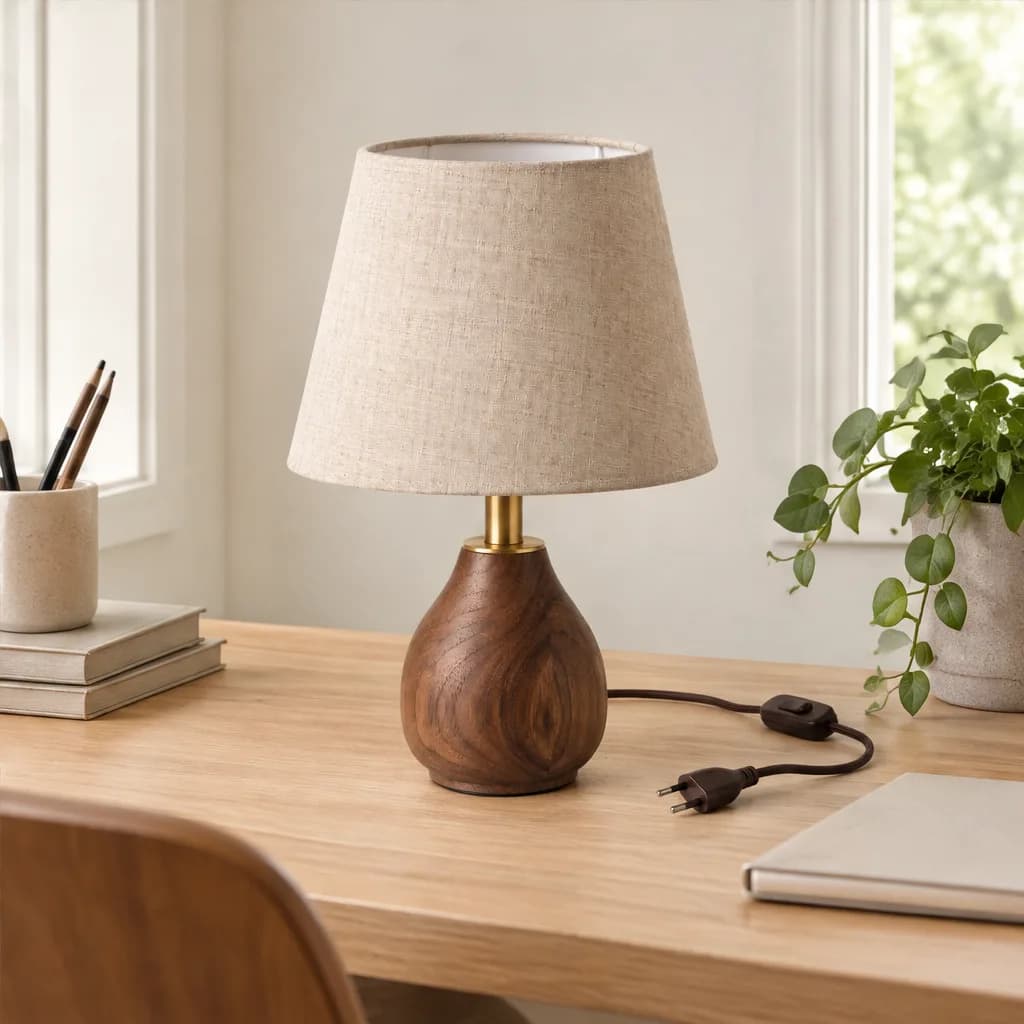
Same lamp. Same grain. Same shade.A whole new scene.
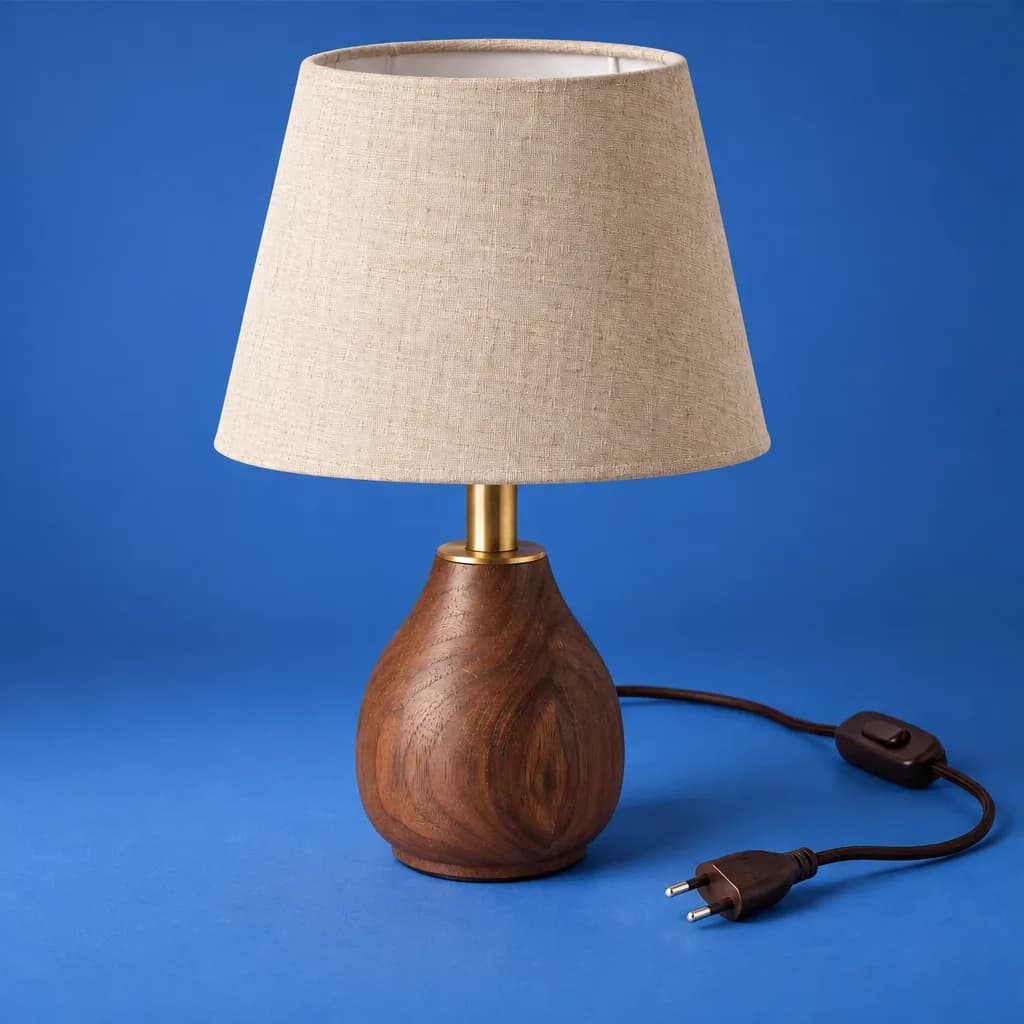
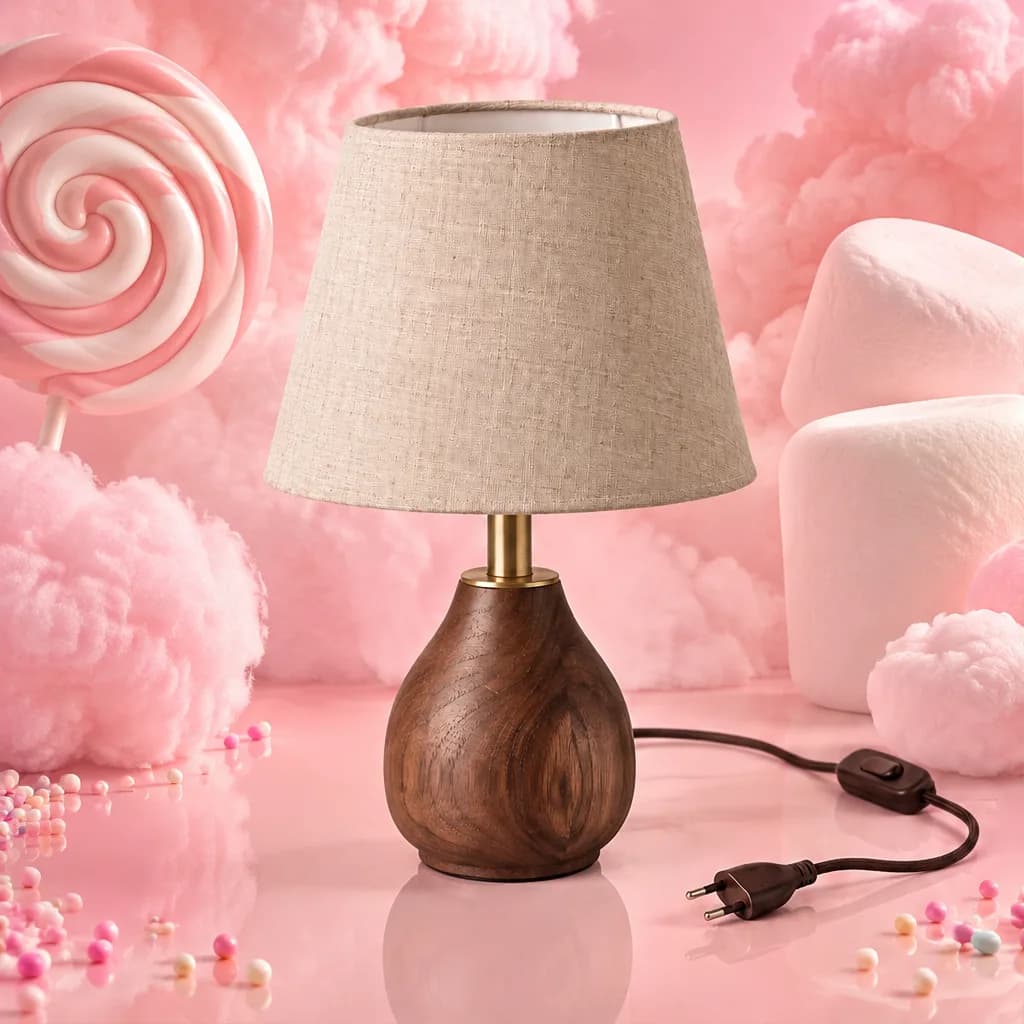
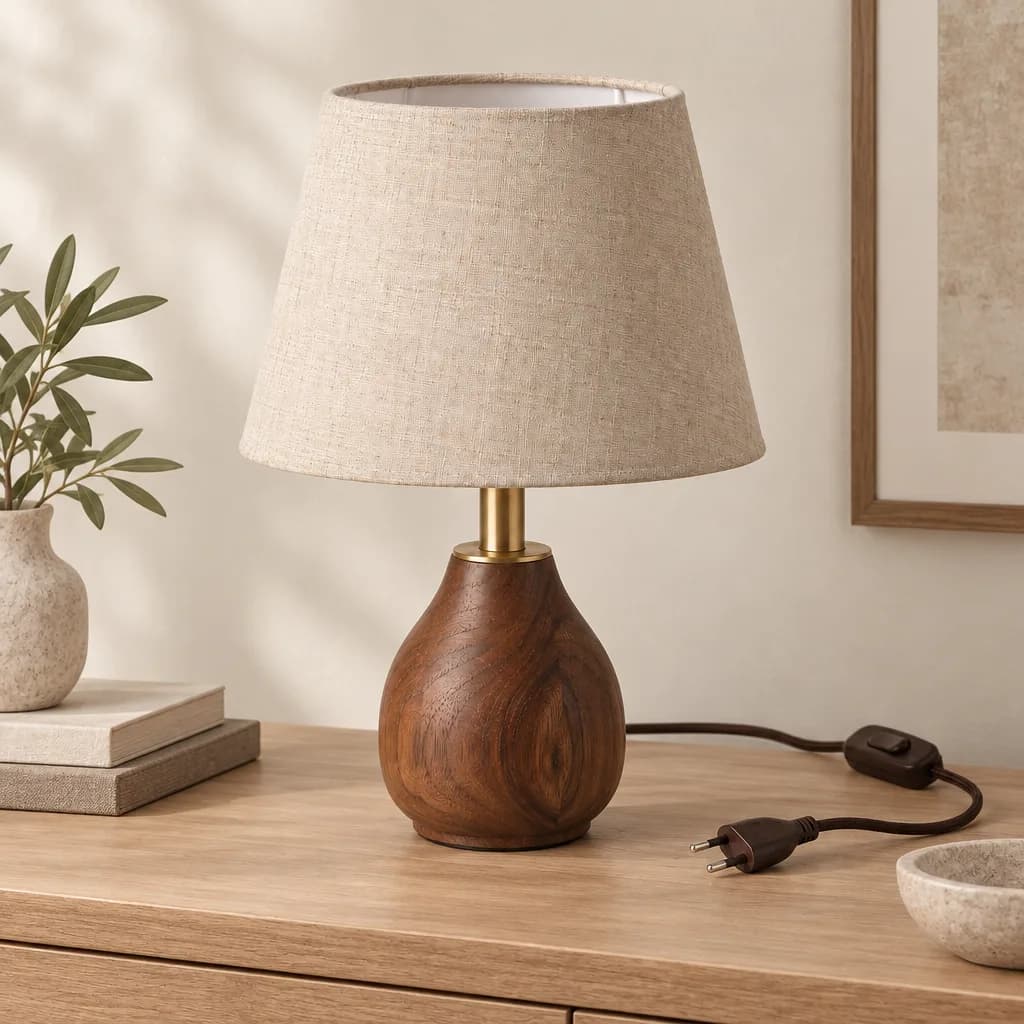
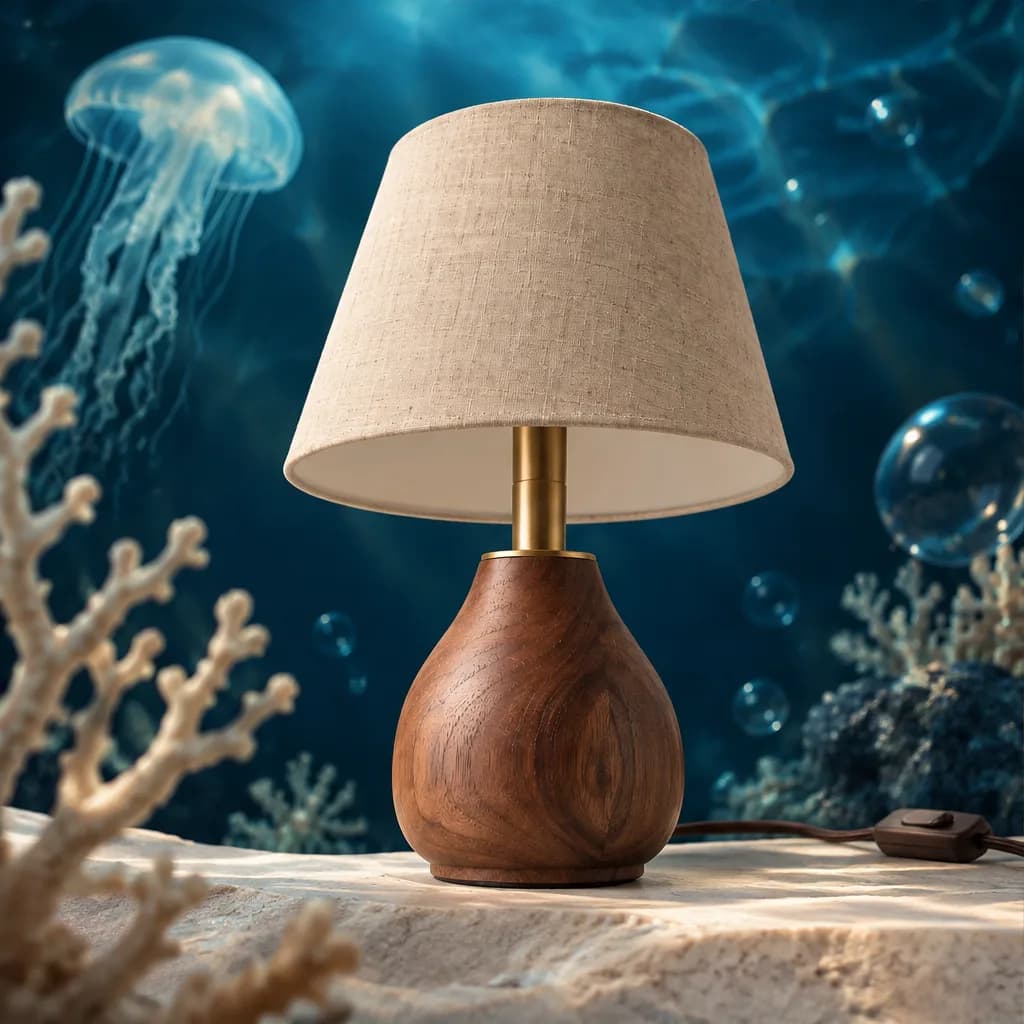
Scroll to watch one seller photo move to a desk and a living room. Then pick a world, from studio backdrops to a candy world, the deep sea, a desert, or raw concrete, and drag to compare it with the original. The lamp stays the lamp. Only the world around it changes.
Example outputs from Lystiva’s own table lamp.
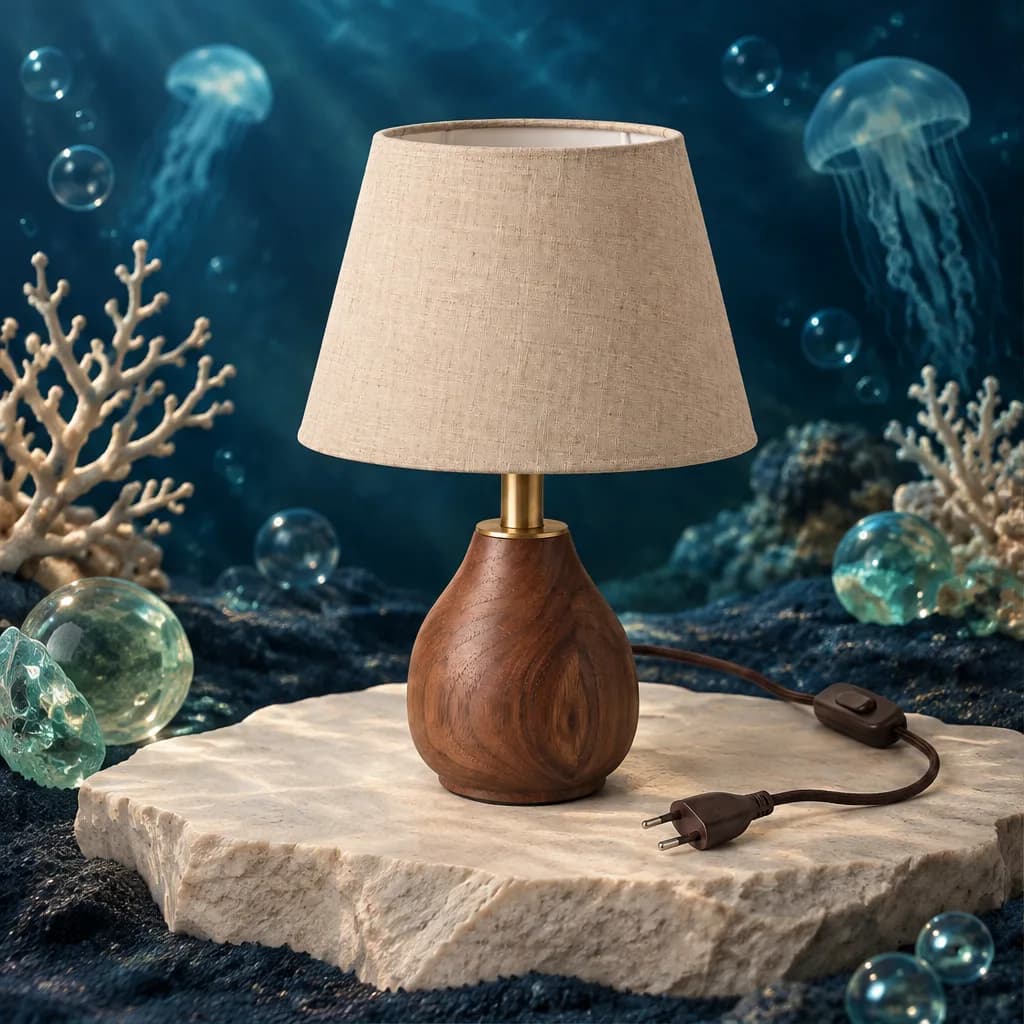
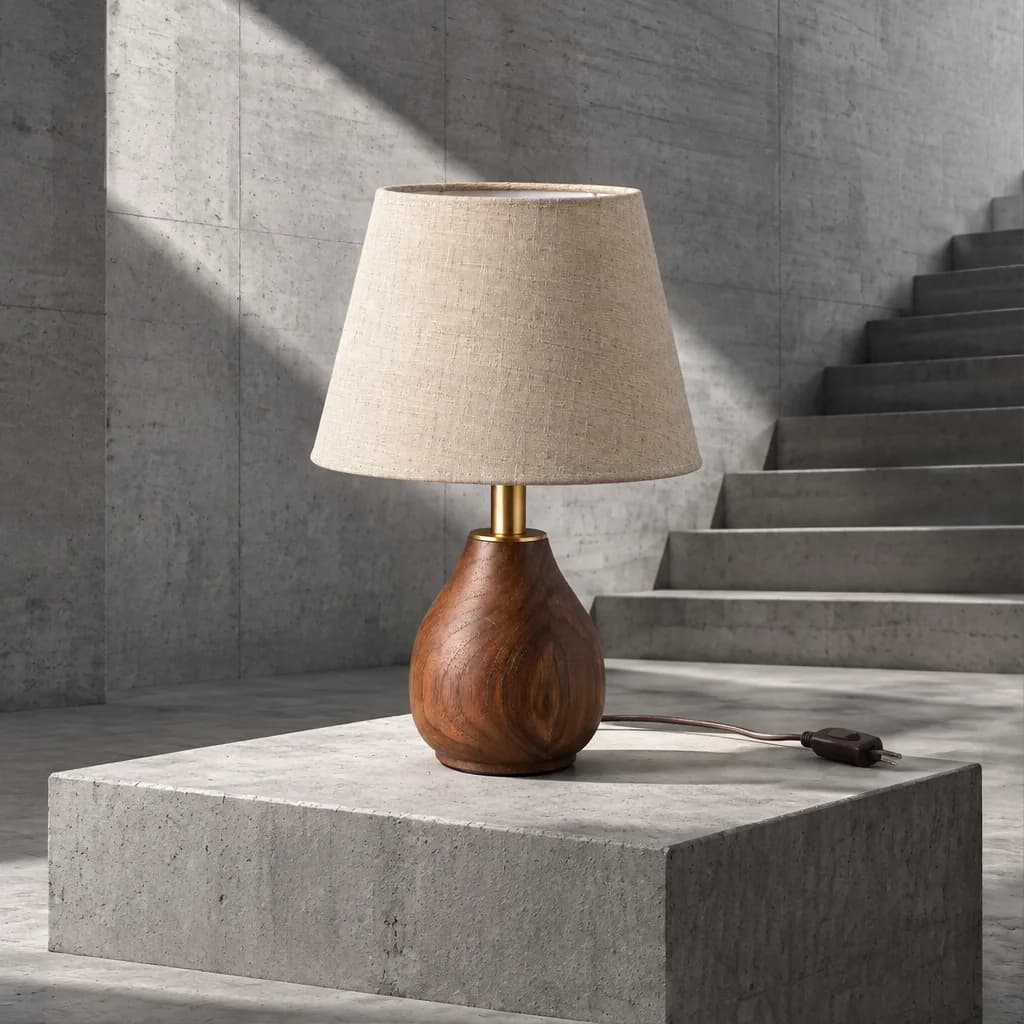
Seven Studios
Pick the job.Your product stays yours.
A hero shot for Etsy, a model wearing your bag, a banner for this week's sale. Each Studio does one selling job, starting from your product photos and waiting for your go-ahead.
See how AI product photography works
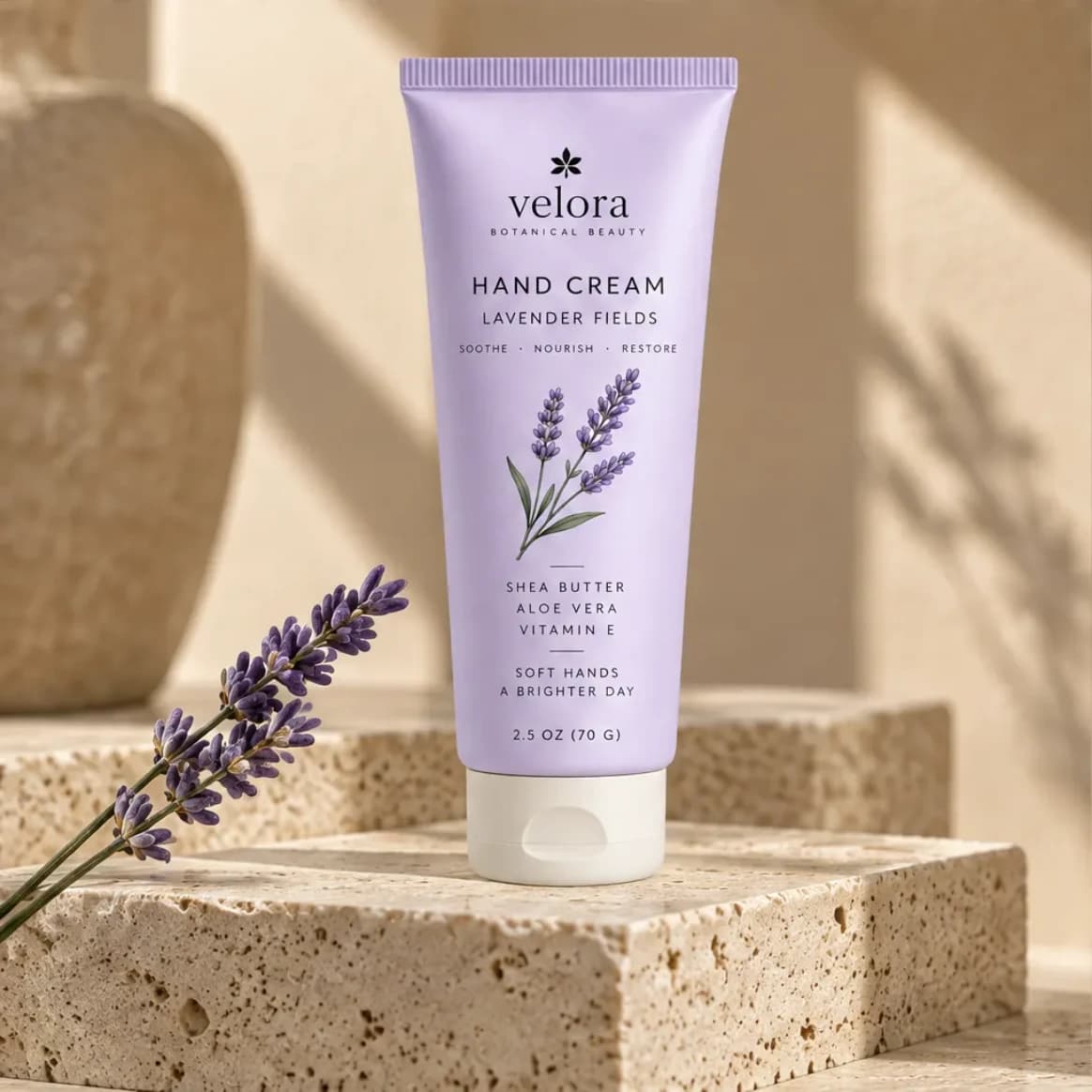
Sell the product
Lifestyle
Your product where buyers will picture it: on a shelf, a desk, a counter, in the right light.- Works with
- Physical products
- You decide
- Nothing is used until you approve it
What you can make
- A scene made for your product
- A scroll-stopping hero
- Four settings, one set
Example outputs
 Lifestyle
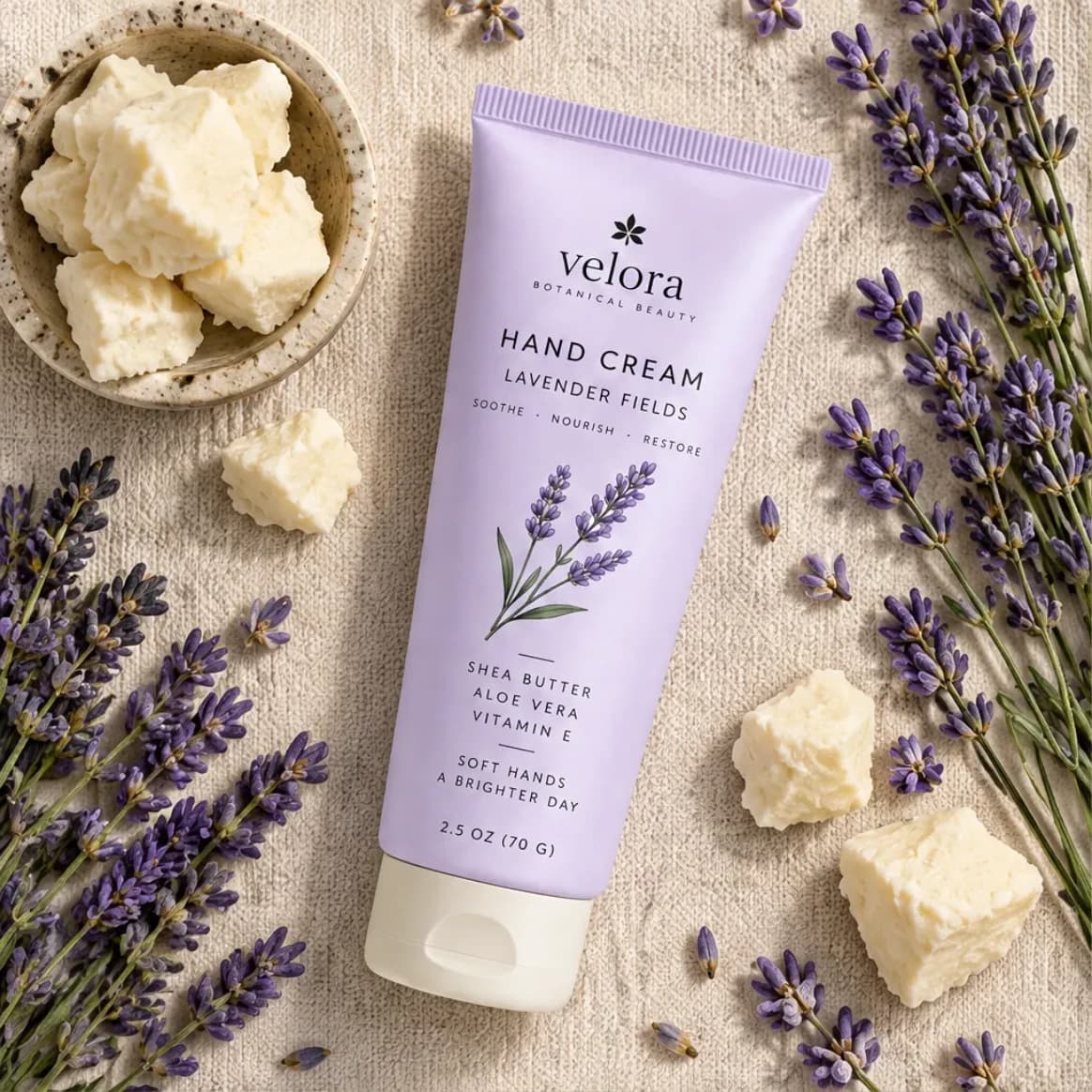 Flat lay
 Detail
Before any image is made, you see the plan and its exact credit cost.
Every Studio, one workspace.Your product details come along.
Go from a lifestyle scene to a re-shoot to a sale banner without re-uploading or re-describing your product. Confirm the facts once, and every Studio uses them.
See how the whole workflow fits together
Lystiva Assistant
Tell it the job.Keep the final say.
Open the assistant on any page and say what you need in plain words. It adds products, plans shoots, edits plans, and drafts listing copy. Anything that spends credits or saves a product detail waits for your click.
One sentence. A planned shoot.
Ask from the page you're on. It reads your product, plans the images, and shows the price before anything is made.
Change the plan by saying so.
Make the third one square. Lock the first. Replan the last. It edits the same plan you would edit by hand.
It asks before it saves.
Mention a detail in chat and it comes back as a card. One click keeps it, and the assistant never spends a credit.
Start with a photo.
Drop product photos into the chat. Watch it read them, then accept, fix, or reject what it found.
Review it. Package it.
Approve or reject results right in the chat, then get an export and a listing copy draft ready. You download or send it from the export page.
Free on every page.
It knows the page you're on and uses no credits. Your plan sets how many messages you get a day.
Make it once.Sell it everywhere.
Send reviewed listings straight to your connected Etsy or WooCommerce shop, or download reviewed visuals prepared for marketplaces, storefronts, social, and your own site.
- Etsy
- Shopify and WooCommerce
- Amazon and Trendyol
- Instagram, TikTok and Pinterest
- Website, email and catalog
Your real photo goes first.Lystiva sends one of your unedited product photos ahead of every AI image, as Etsy now requires. A listing made only of generated images is never sent.
Questions sellers ask,answered straight.
What you can upload, what costs credits, and how your images get to your shop.What can I upload?
Photos of a physical product, or digital artwork. Use files you own or have permission to use. Lystiva reads them, and you confirm the details before anything is made.
Will it change my product?
Lystiva suggests product details from your photos, and you accept, fix, or leave each one blank. What you confirm always beats what the AI guesses, and every image is a draft you approve or reject.
How do my images and copy get to my shop?
Connect Etsy or WooCommerce and Lystiva sends reviewed images and copy as a draft listing, then you publish it yourself when it's ready. For anywhere else, download the package and upload it yourself.
What costs credits?
Only images. A single image costs 1 credit, and a supported 2×2 Economy grid costs 2 credits. Product details, planning, reviews, listing copy, and the assistant are free.
Can I use digital artwork?
Yes. Add your artwork as a product and put it on mockups and listing graphics.
What can I do today?
Everything on this page. All seven Studios make images from your reviewed product photos. You can also draft listing copy, send reviewed listings to a connected Etsy or WooCommerce shop, and download packages for anywhere else.
Does listing copy guarantee ranking or conversion?
No. Lystiva drafts clear, editable copy from the details you checked, but it does not guarantee search ranking, marketplace approval, conversion, or sales.